


Jira Data Center
Installation
Overview
To install the Jira Data Center Add-On, follow these steps:
Log in to Jira instance: Ensure you are logged in as an admin user. To proceed with the installation, you need to have admin privileges on your Jira Data Center instance. Please contact your Jira Administrator if you need assistance.
Navigate to Manage Apps: Click the “Jira Administration” icon and select "Manage apps" from the dropdown.
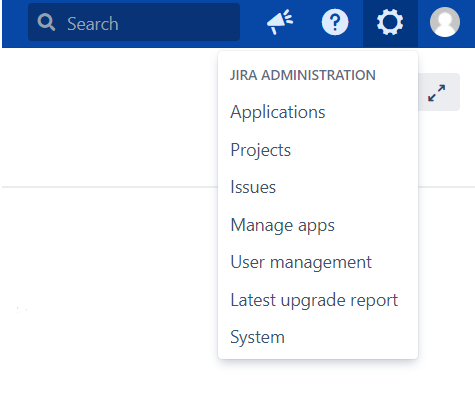
Navigate to Manage Apps Find QA Service for Jira:
Click on "Find new apps" on the left-hand side of the page under the Atlassian Marketplace section.
Search for "QA Service for Jira".
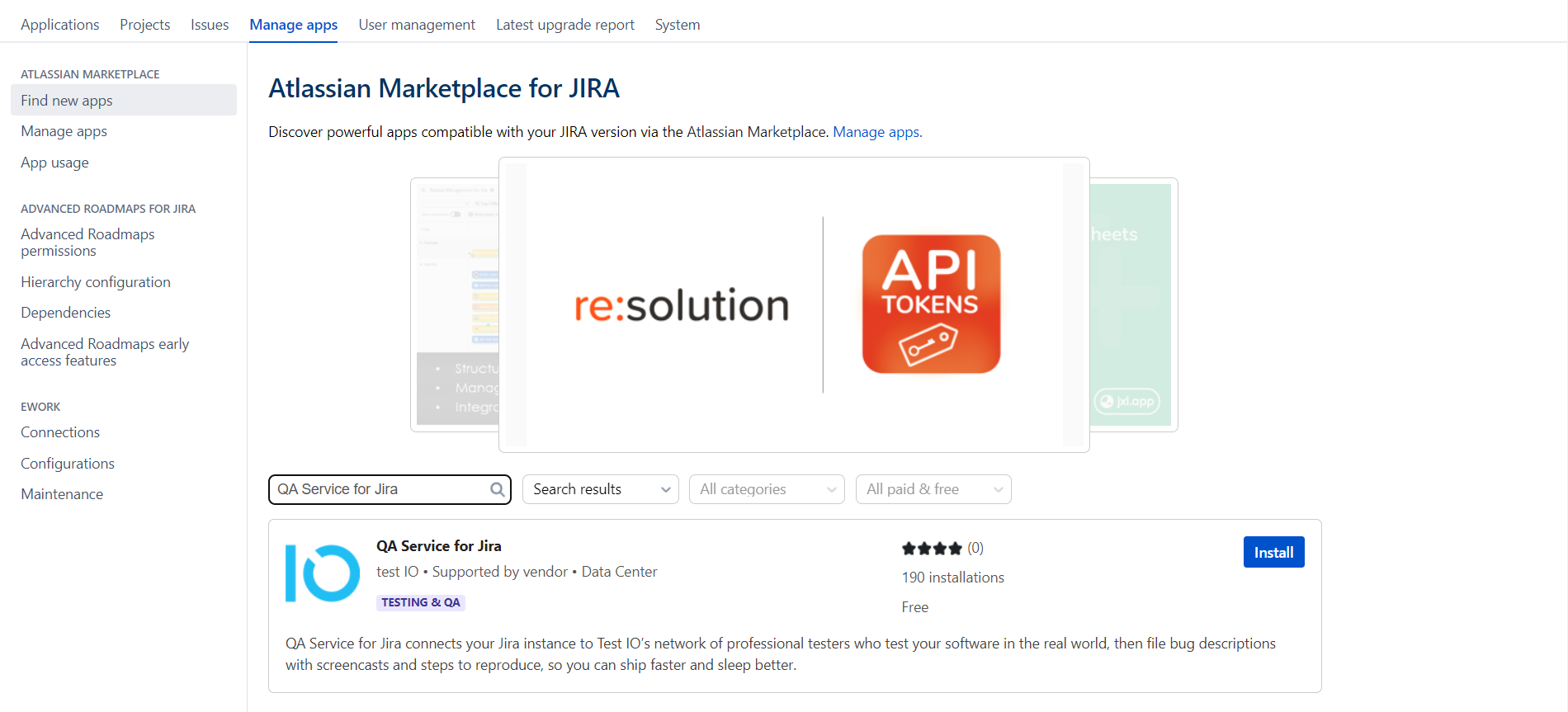
Find QA Service for Jira Install the Add-On: Select the app and click "Install" to download and install it.
Confirm app installation: Accept Test IO’s Privacy Policy and Terms of Use by clicking “Accept & install”.
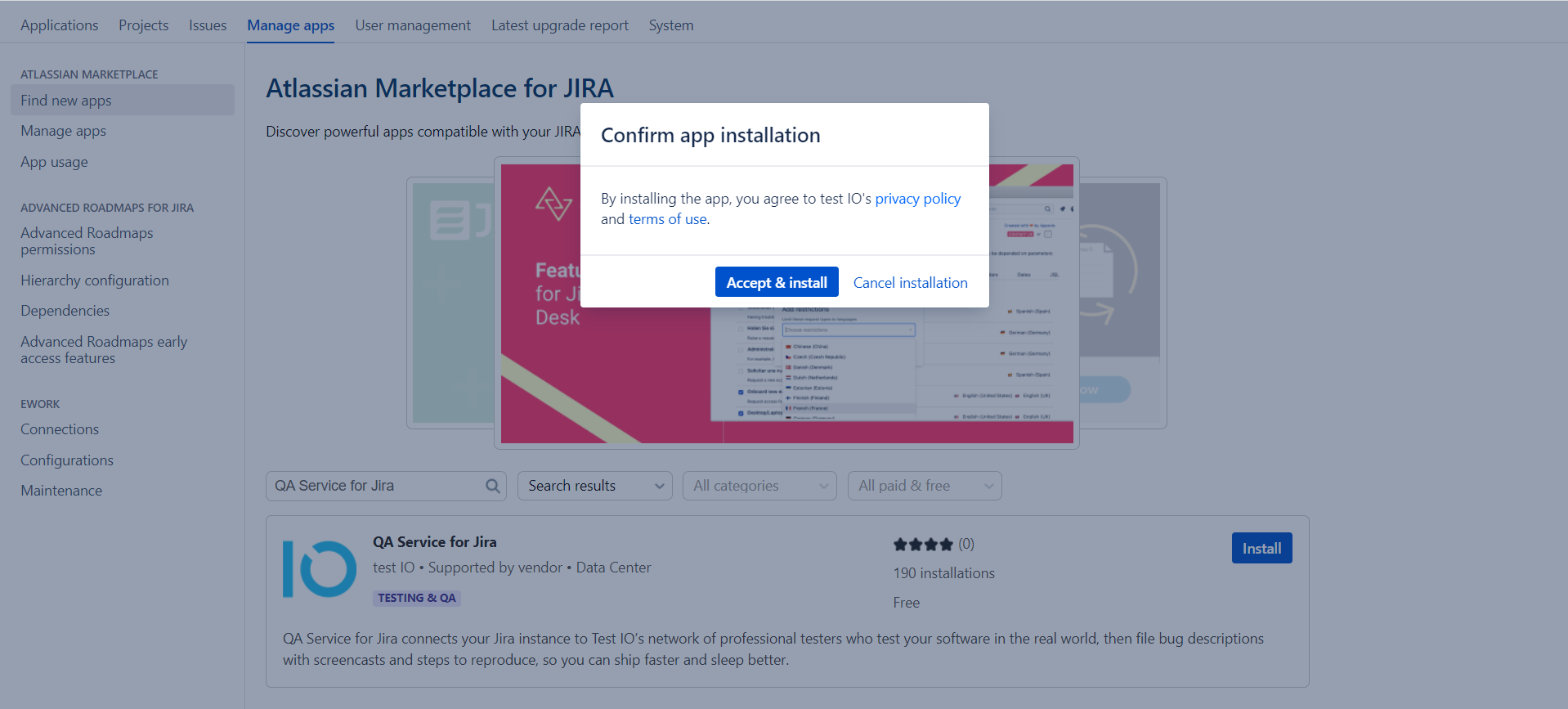
Accept & install to confirm app installation Finalize Installation: Wait for the installation to complete and click "Close" in the “Installed and ready to go!” dialog.
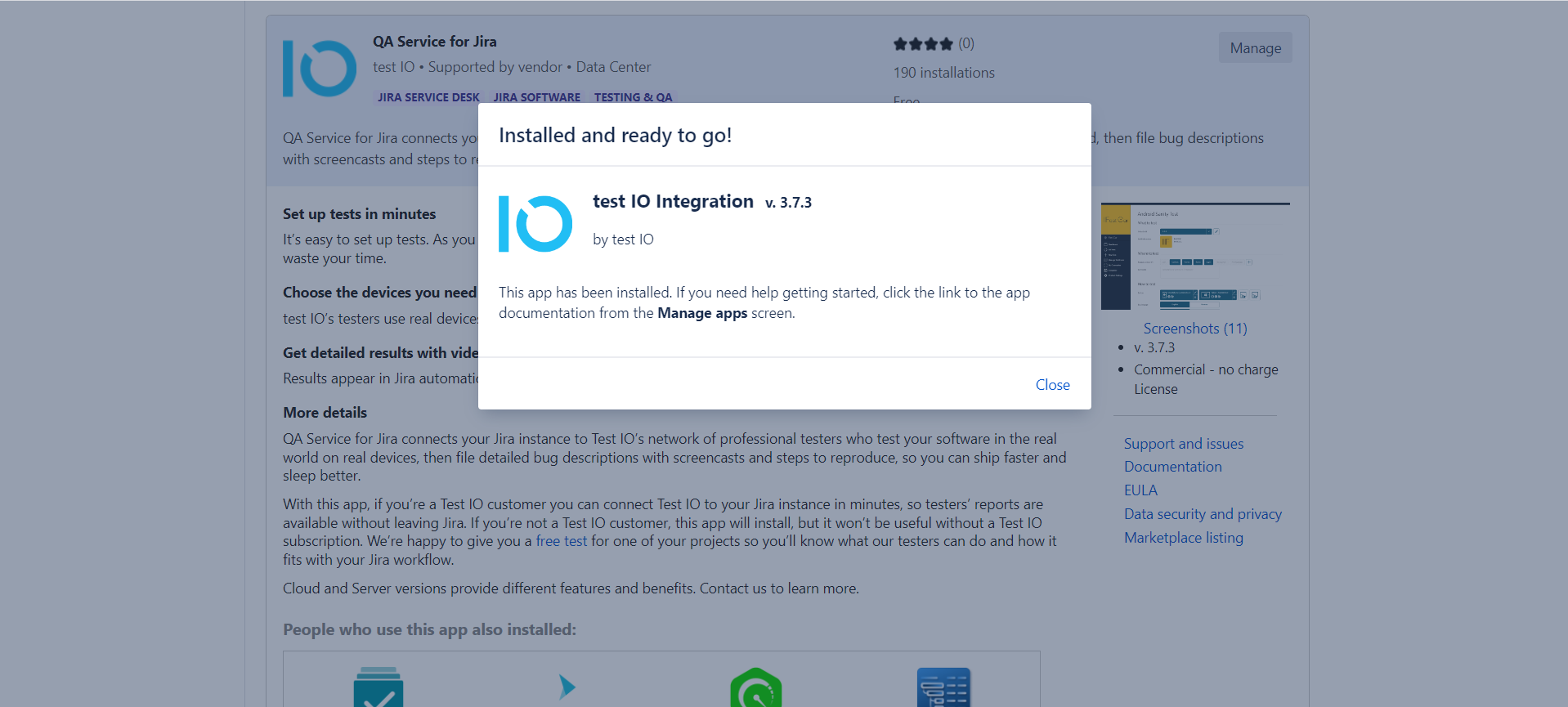
Finalize the installation of the Jira Data Center Add-On The Test IO Add-On will appear under the "User-installed apps" in the Manage apps section. Expand the Test IO Add-On section to view details like Version, Vendor, Support, etc.
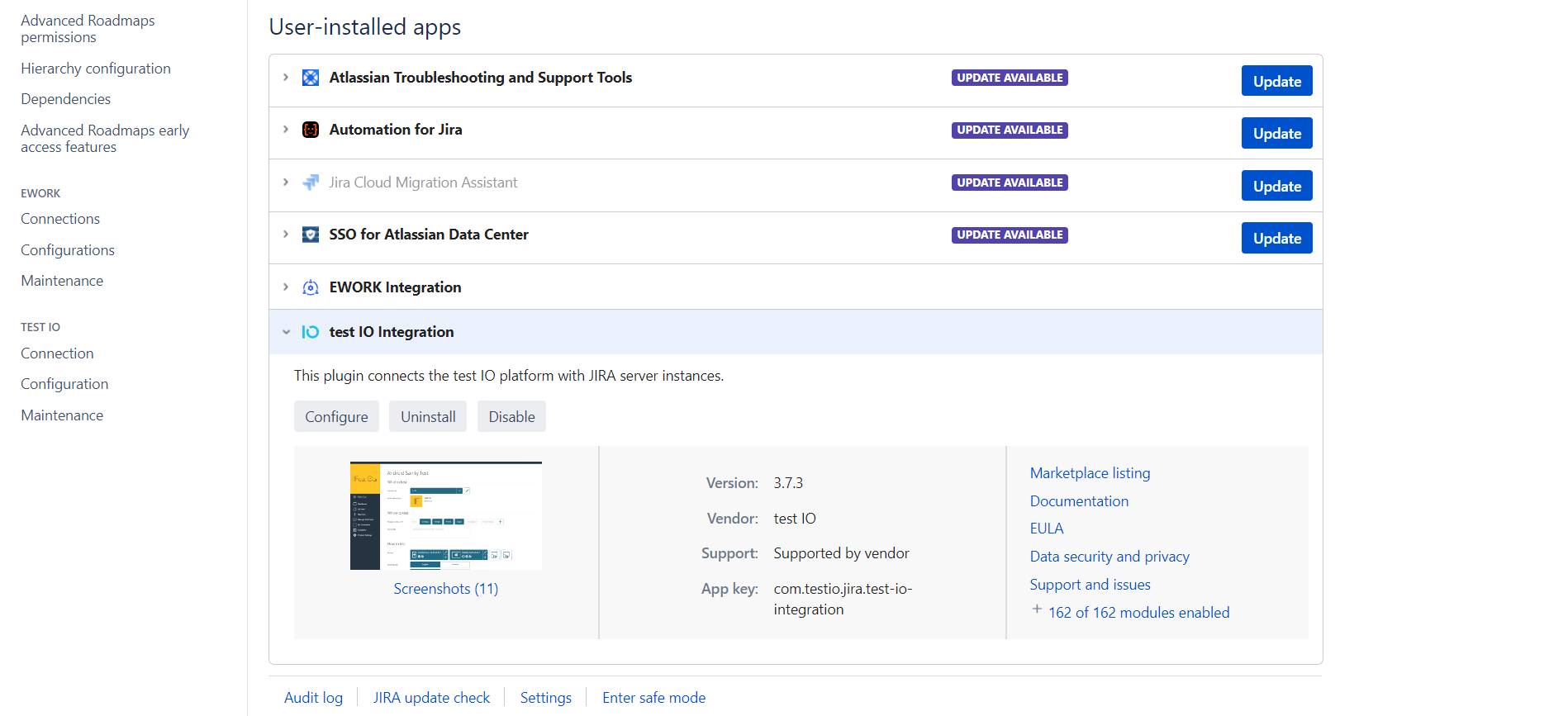
Jira Data Center Add-On in User-installed apps
Installation from Atlassian Marketplace
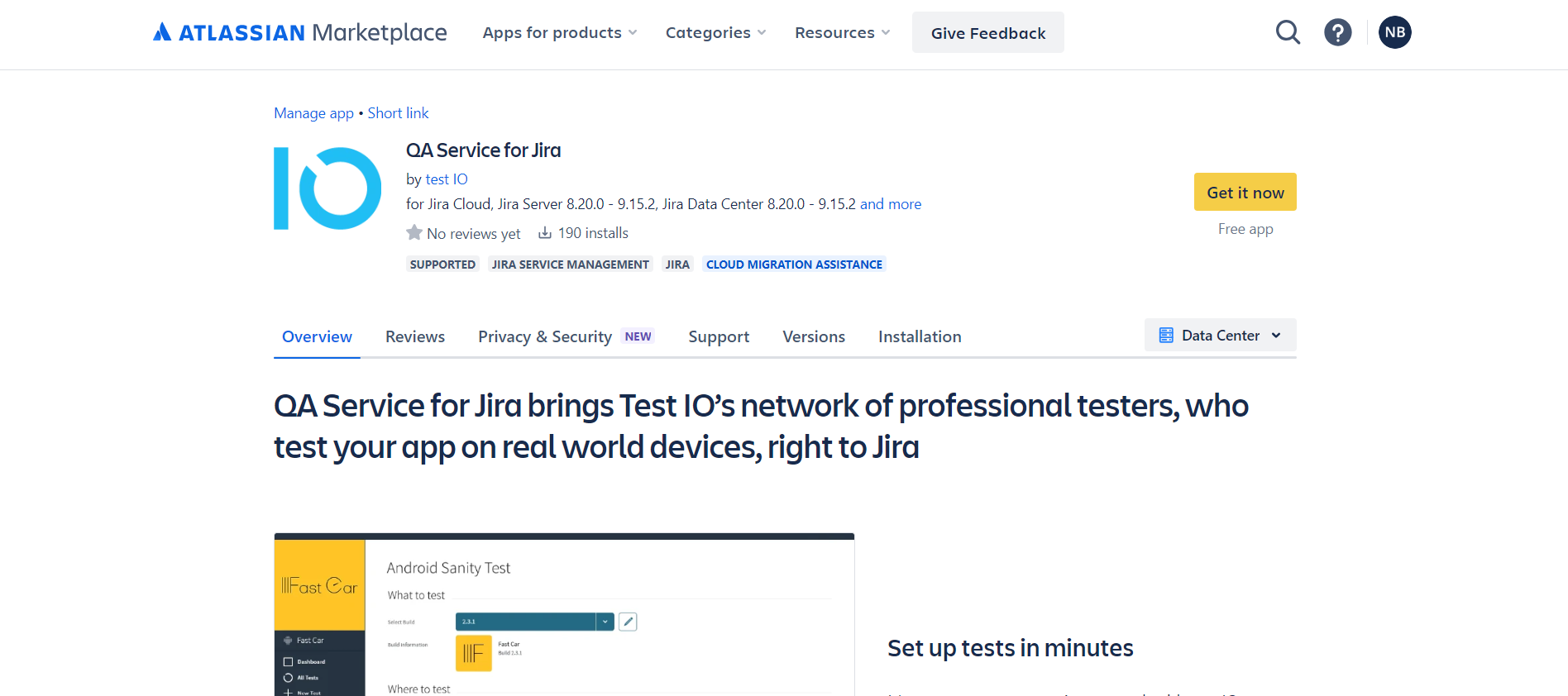
Alternatively, you can install the Test IO Jira Data Center Add-On directly from the Atlassian Marketplace. Download it from Marketplace and upload it in Jira via "Upload app" button in the Manage apps sub-section under the Atlassian Marketplace section.
After installation, a new "Test IO" section will appear in the left-side navigation menu under "Apps." This section includes "Connection", "Configuration" and "Maintenance" subsections. Configure these settings to enable integration between Jira and Test IO.
Connection
Connect your Test IO account to your Jira
Configuration
Configure integration between Jira and Test IO platform